Structure Your Day Around Work and Walking

Build a personal schedule that alternates focused work sessions with gentle walking breaks — at your own pace, without pressure.

4–6 walk breaks per day
90 min avg. focus block
Flexible adapts to your schedule
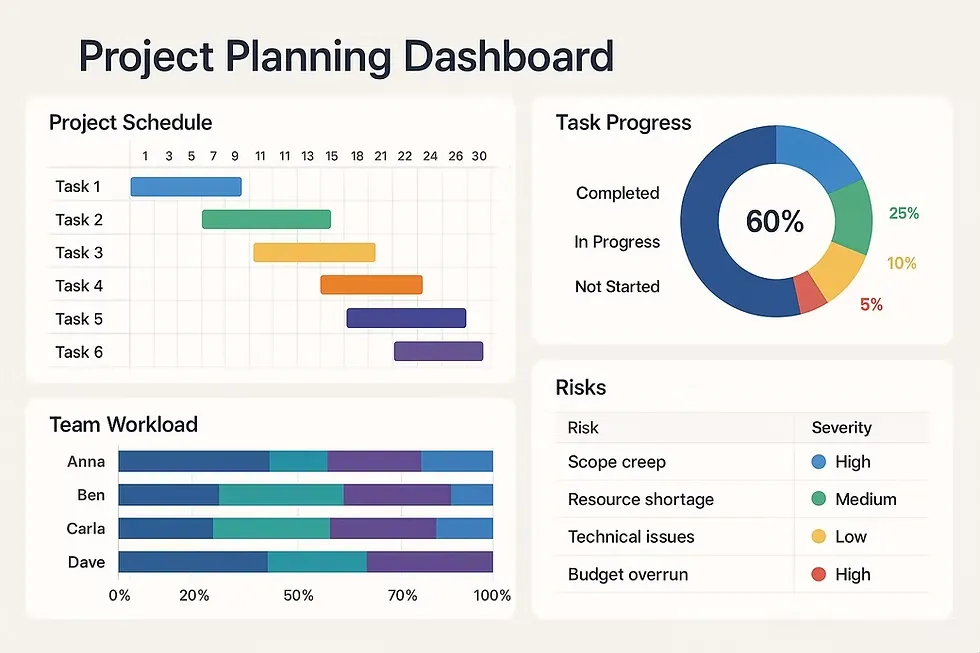
Daily work and walk planner interface showing time blocks for work sessions and walking breaks
Balanced Rhythm Work · Walk · Repeat

Three Simple Steps to a Structured Day

Explore sample planning ideas in a few minutes and see how a steady rhythm can shape your day from morning to afternoon.

1

Define Your Work Style

Review how light, moderate, or intensive day types can shape your tasks, focus capacity, and preferred schedule structure.

2

Explore a Sample Plan

Example daily layouts show how work blocks and walking breaks can be arranged in a clear, readable schedule that fits a typical day.

3

Adjust and Repeat

Refine your plan at any time. Add rest intervals, shift walking breaks, or modify focus periods to suit how each day unfolds.

Everything You Need for a Steady Daily Rhythm

From flexible time blocks to walking break reminders, every feature is designed to support a calm, structured day.

Time Block Planner

Organise your day into clear work segments and rest windows. Each block is sized to match your chosen workload intensity and personal schedule preferences.

Walking Break Scheduler

Example schedules show walking breaks at regular intervals — short, flexible pauses that can fit naturally between work sessions when you build your own plan.

Balance Visualiser

A clear daily overview shows the proportion of work time versus walking time, helping you see at a glance whether your day feels well distributed.

Adaptive Schedule Editor

Illustrated calendar layouts demonstrate how blocks can be adjusted in length and order. Use these patterns as a flexible starting point for meetings, interruptions, or changing priorities.

See Your Entire Week at a Glance

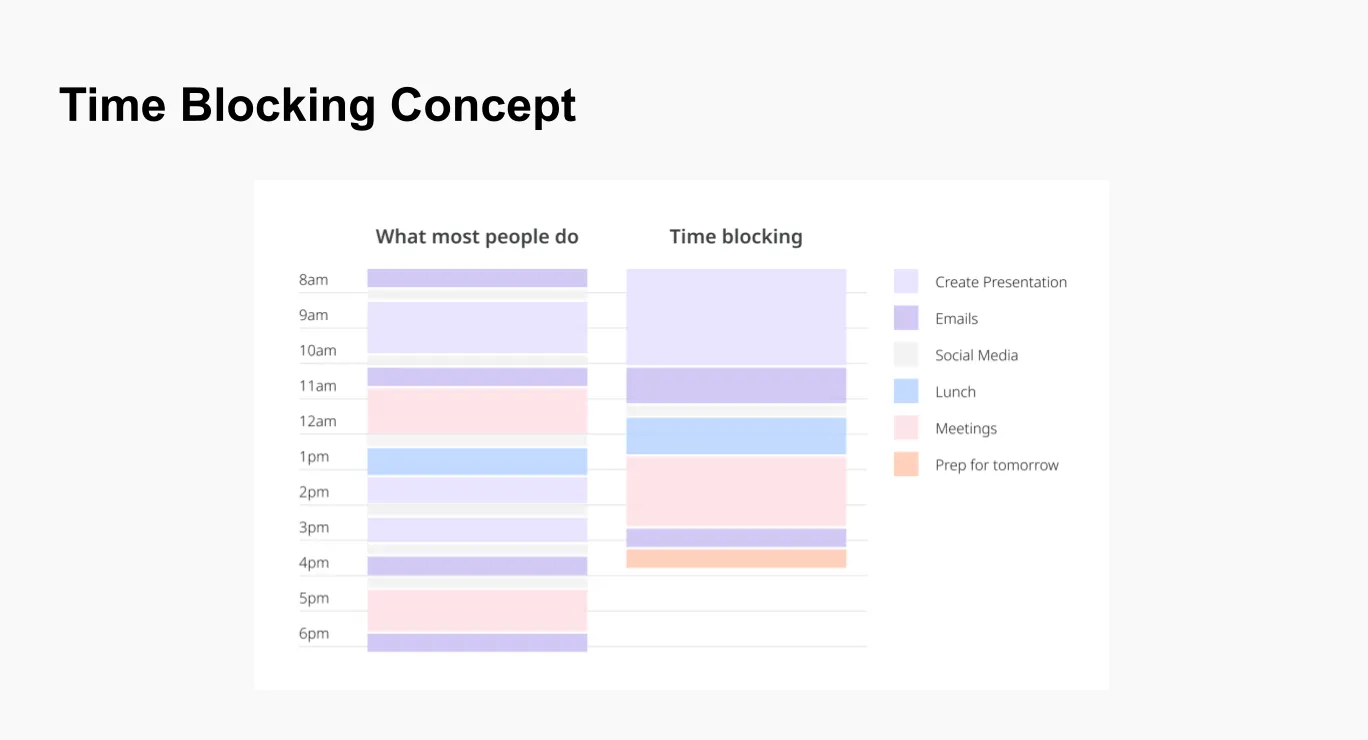
The weekly rhythm view lays out all work sessions and walking breaks across Monday to Friday, so you can spot imbalances early and adjust before the week begins.
Colour-coded work and walk blocks for easy reading
Daily balance percentage shown per row
See how routines can be repeated across similar days
Switch between day, week, and summary views
Weekly rhythm overview chart showing alternating work blocks and walk breaks across five days

Start With a Ready-Made Daily Pattern

Choose a template that fits your day type. Each one can be fully customised before or after you begin.

Morning Focus

Early Momentum

Starts with a long focused block while energy is naturally high, then introduces walking breaks through mid-morning.

Deep Work Session 90 min
Walk Break 15 min
Task Review Block 60 min
Walk Break 10 min
Pause Window 20 min
Midday Balance

Steady Flow

Evenly distributed sessions keep energy consistent throughout the day without long unbroken stretches at the desk.

Focused Session 60 min
Walk Break 10 min
Collaboration Block 60 min
Walk Break 15 min
Review Session 45 min
Afternoon Flow

Wind-Down Pattern

Starts the afternoon with movement to refresh attention, then narrows into lighter tasks as the day closes.

Opening Walk 20 min
Priority Task Block 75 min
Walk Break 10 min
Admin & Wrap-up 45 min
End-of-Day Review 15 min

The Thinking Behind Balanced Daily Planning

Four guiding ideas that shape every schedule built with Rinseyouth.

Natural Rhythm Over Force

Plans follow the natural flow of attention and movement rather than imposing rigid productivity targets.

Alternation, Not Interruption

Walking breaks are built into the schedule as planned intervals, not afterthoughts or interruptions to the work day.

Flexibility as a Feature

Every plan is editable. The schedule is a guide that adapts to how your day actually unfolds, not a fixed prescription.

Clarity Before Complexity

Visual layouts are kept simple and readable so that your schedule is easy to understand at any time of day.

See How Your Day Divides

The daily overview panel shows your work-to-walk ratio in a clean, readable layout so you can review and adjust your schedule with confidence.

Daily balance overview dashboard showing work blocks, walk breaks, and weekly summary metrics

Frequently Asked Questions

Find answers to the most common questions about planning with Rinseyouth.

Ask Us Directly
Is this site suitable for people who work from home?
Yes. The planning examples are designed to work equally well for remote workers, office-based routines, and hybrid arrangements. You define the structure and adapt the examples to your setting.
How long should each walking break be?
Walking breaks in the default templates range from 10 to 20 minutes. These durations are suggestions only — you can adjust them to any length that fits your day and environment.
Can I use this alongside an existing calendar app?
Rinseyouth works as an informational companion. You can use the examples to sketch your day structure and then transfer the key blocks to your preferred calendar application manually.
Is the Workload Classifier available for all schedule types?
Yes. The Workload Classifier section covers light, moderate, and intensive day profiles and shows example walking break intervals for each. The examples apply to all schedule types shown on the site.
Is any personal data stored when I visit the site?
Only your cookie consent choices may be stored locally in your browser. This informational website does not collect or store personal schedule data on external servers.
All materials on this website are for educational and informational purposes only. They are not medical advice, diagnosis, treatment, or a substitute for professional guidance. Before changing your daily routine or activity levels, especially if you have an existing health condition, consult a qualified professional.

Explore Daily Planning Ideas

Browse example calendar layouts, workload profiles, or contact us with questions about the content on this site.